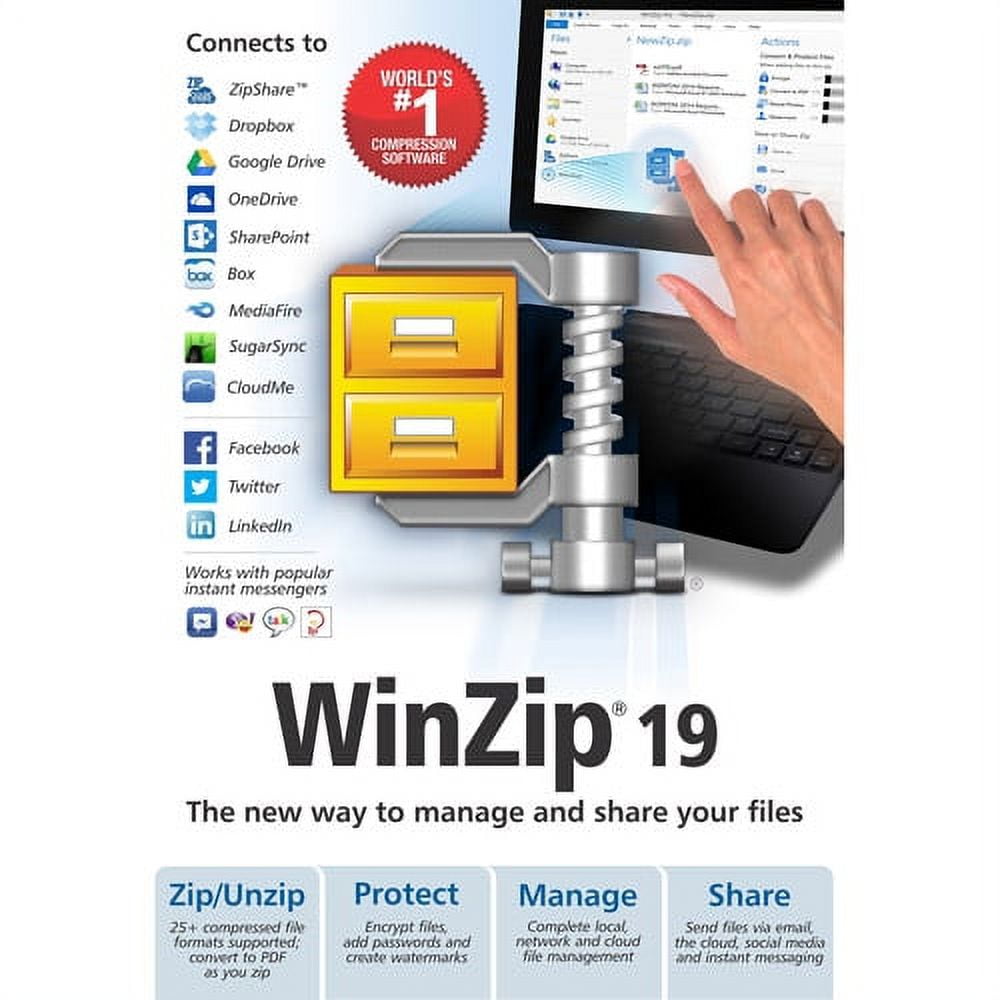
WinZip Standard - (v. 19) - license - 1 user - ESD - Win - Multilingual
☆☆☆☆☆
reviews
US$16.47
Price when purchased online
Free shipping
Free 30-day returns
We aim to show you accurate product information. Manufacturers, suppliers and others provide what you see here.
Product details
| Management number | 253945440 | Release Date | 2026/11/07 | List Price | US$16.47 | Model Number | 253945440 | ||
|---|---|---|---|---|---|---|---|---|---|
| Category | |||||||||
WinZip Standard (v. 19) - license - 1 user
Key Features and Benefits:
- Easier zipping
Built-in local and cloud file management means it's easy to browse and select the files you want without leaving WinZip. Touch support puts the power of WinZip at your fingertips on any touch-enabled device or computer. WinZip 19 is also optimized for 2-in-1 computers, switching its layout automatically depending on whether you are using your system in tablet or notebook mode. - Zip and manage content
Compressing large files and folders makes them easier to transfer and saves storage space. With a great interface, it's easier than ever to drag-and-drop files to be zipped from local or network drives, and your cloud services. Zip files are perfect for sharing because they let you organize multiple files into one convenient package. - Unzip anything
Extract content from a wide selection of compressed file types. When extracting encrypted files, WinZip auto-wipes all temporarily extracted copies to prevent misuse. - Streamlined sharing
Get easy access to all your sharing options in the new WinZip interface to quickly share by email, your clouds, instant messaging services or popular social sites. - Connect to leading cloud services
WinZip connects directly to many cloud services, so you can organize all your cloud files at once. Use WinZip to zip and save large files to the cloud or retrieve files or links to share. Secure your files and save precious online storage space by zipping and encrypting them first. - Copy and share cloud links
Quickly share links to your cloud files by email, instant messaging and on social media sites. - Email large files with just a click
WinZip 19 lets you email large files or folders using any of your cloud services. Your files are automatically uploaded to your default cloud service and a link to them is placed in your outgoing email. - Rich file management
Save time with the easy-to-access file management features built into the WinZip 19 interface. Copy, move, rename and delete local and cloud files with ease. Open, edit and print local files. Plus, see how much space your devices and cloud services have available. Do all this and more without having to leave WinZip. - Change the interface to suit your task
Easily change the WinZip 19 interface to hide or show the features you need. WinZip 19 displays zipping features by default, but you can easily switch to the file management pane when you want to work with your files. Like the WinZip you know? Just click to use the familiar ribbon. - Easily find the features you need
WinZip is more dynamic than ever with the context-sensitive Actions pane that changes to display the right tools for the job. When you're zipping files, for example, Save and Share options appear automatically, so you can quickly select the destinations for your zip. - Convert files to PDF
Convert files to PDF as you zip, making them ready to share with anyone. For extra protection, create a read-only PDF. - Create share-ready images
Convert high-resolution images to more convenient sharing sizes instantly when adding them to your Zip. This lets you share entire albums with ease while keeping full-quality originals on file. - Preview files and folders
WinZip's convenient previewing functionality lets you browse the contents of a Zip file before deciding if you need to unzip it. The advanced 'Unzip and Try' feature lets you temporarily review related components within a Zip file without having to extract the Zip file first. - More flexible file conversion
Whether you're converting to PDF, resizing photos, adding watermarks or encrypting, you can select or change settings before, during or after you have created your zip. Plus, WinZip lets you choose whether the changes are applied to all the files in your zip or only to the individual files you've selected. - Add watermarks
Deter unauthorized copying, add traceability and protect your intellectual property by adding custom watermarks to images and PDFs. You control the transparency of your watermark, and choose how and where it appears. Add a date/time stamp to your watermark for even more security.
| Computer Software Type | Business & Office Software |
|---|---|
| Operating System | Win |
| Brand | Corel |
| Number of Users | 1 |
| Physical Media Format | Digital Download |
| Version | 19 |
Bestseller ranking
Health Inspired Smoothies & Shakes

Correction of product information
If you notice any omissions or errors in the product information on this page, please use the correction request form below.
Correction Request Form